Referral Links
Create your own referral link today, and boost your earnings when you refer new users to trade on Velocity! For every new user, you will earn a portion of their trading fees!
- Referrers earn 15% of the taker fee paid by users they refer (the default
referrerRewardNumeratoron the perp fee tiers). - Referred users receive a 5% discount on their taker fees (the default
refereeFeeNumerator).
These are the protocol’s default fee-tier values and can be changed by governance; check the current FeeTier on the fee-structure account for the live numbers.
This document will walk you through setting up your referral link to begin earning today.
A few notes:
- Rewards for the referrer accrue only from taker volume.
- Referral rewards now flow through a per-user
RevenueShareEscrowaccount rather than the old epoch-cappedUserStatspath. Fillers must attach a referred taker’s escrow account for a fill to succeed — see the builder codes docs for the mechanics if you operate a filler/keeper.
The referral link applies solely to new Velocity accounts created through your link. For it to apply, users must have clicked the link, connected their wallet, and made a deposit within the same session.
Setup
Navigate to referrals
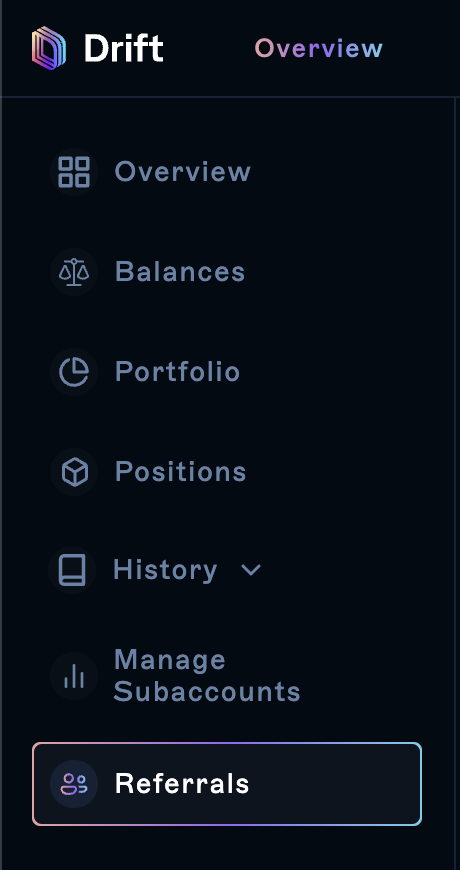
First, in order to create your own ref link you must click on the “Overview” tab inside the Velocity app. Once there you will want to scroll down to where it says “Referrals”.
Create a link
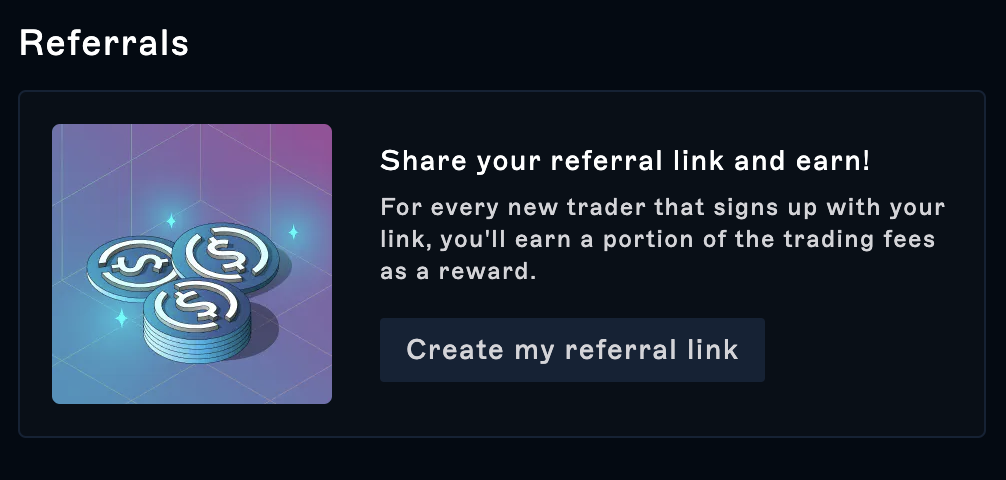
Once there, click on “Create my referral link”.
Customize
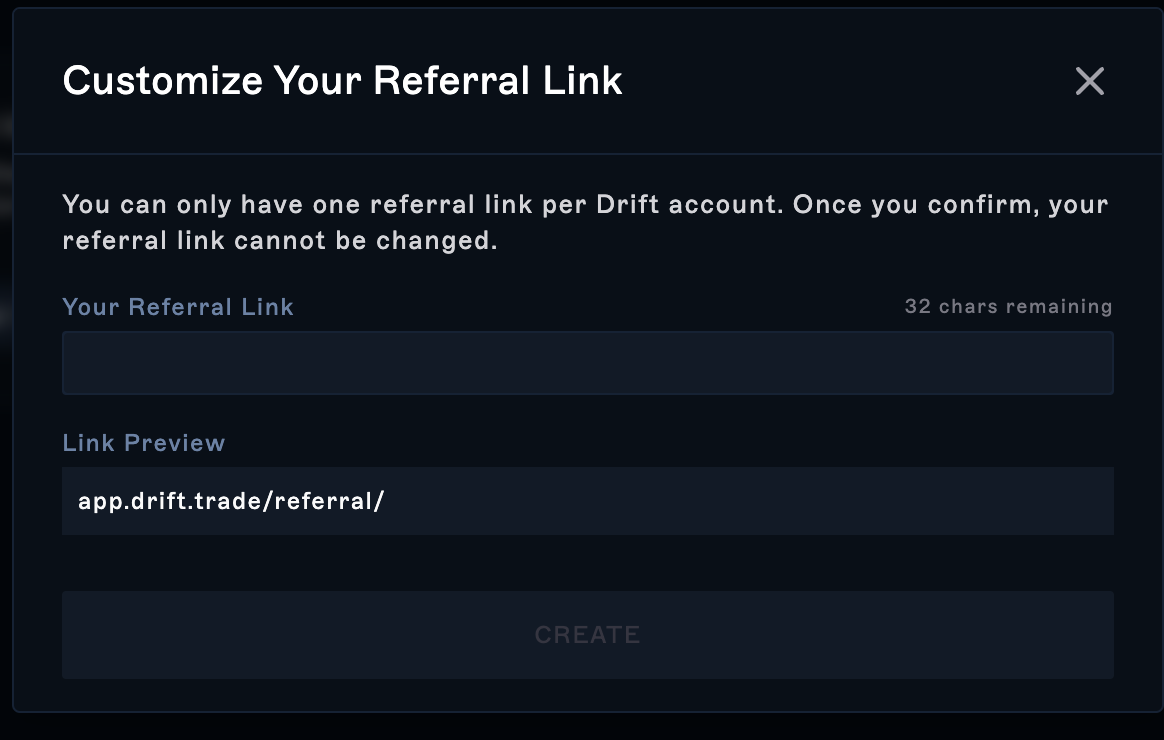
Customize your referral link in under 32 characters and click “Create”. You won’t be able to change your referral link after setting it up the first time.
Approve
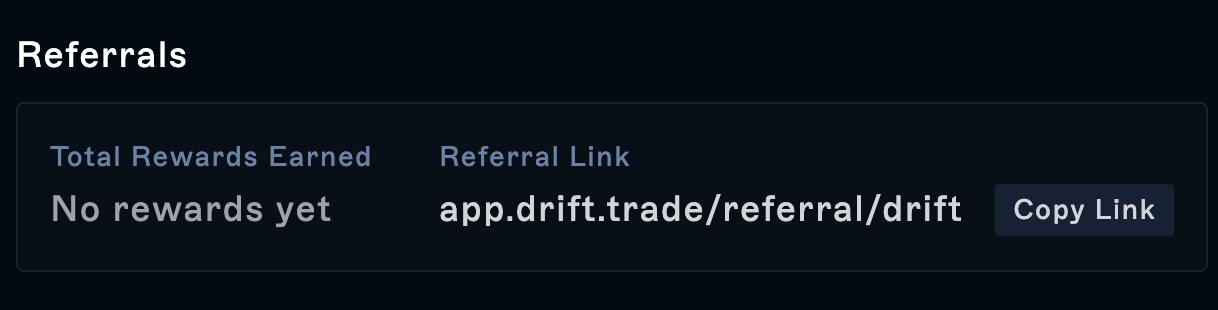
Once you’ve approved the transaction, you will find your rewards under “Total Rewards Earned” and a way to copy your link directly to your clipboard.
Share
Share your referral link with your friends and community and you’ll start earning fees from their trading activity!
It’s that easy! Share your link and start earning today!